
What a 3D Printing Service Actually Does (and When to Outsource Instead of Print In-House)
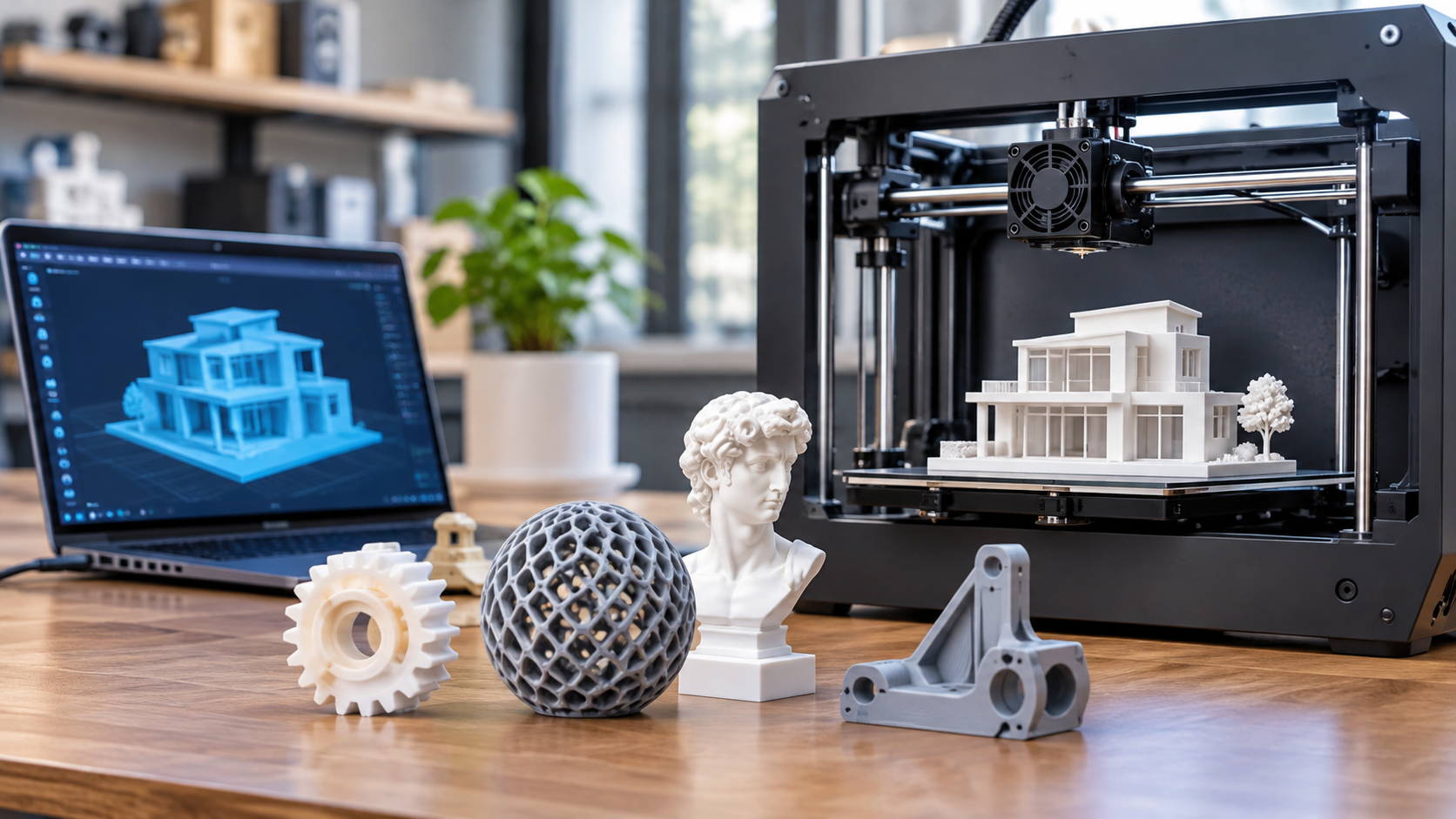
A 3D printing service takes a digital design and turns it into a physical part. You send a file, and the provider checks it, picks a material and process, prints the part, and finishes it. Good providers also flag problems before printing starts, such as walls that are too thin or shapes that may warp. That review step can save you from paying for a part that fails.
The service is more than a machine. You are paying for trained people, a range of printers, tested materials, and post-processing. Post-processing means the work done after printing, like removing supports, sanding, or painting.
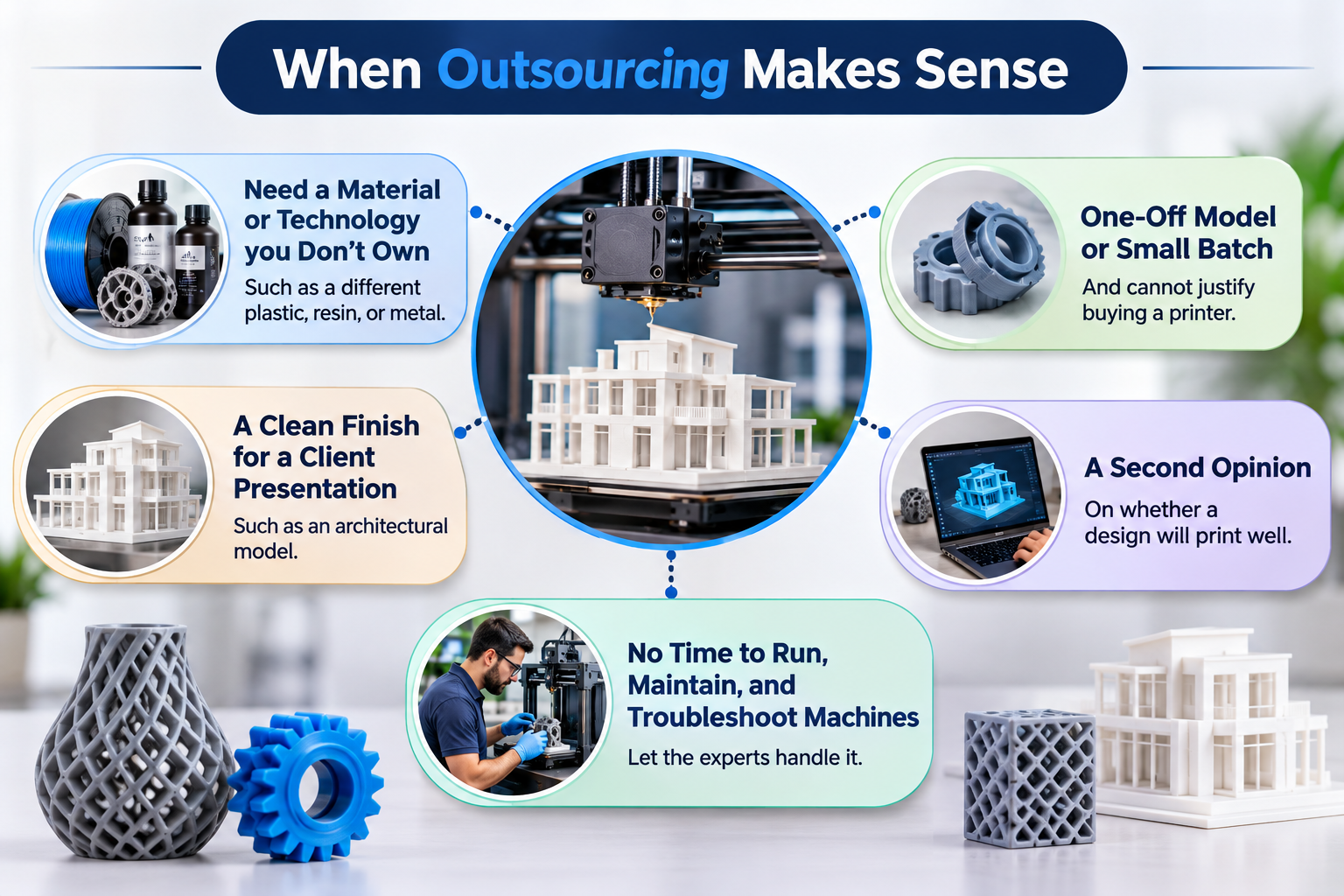
When outsourcing makes sense
Outsourcing often works best when:
You need a material or technology you do not own, such as a different plastic, resin, or metal.
You need a one-off model or a small batch and cannot justify buying a printer.
You need a clean finish for a client presentation, such as an architectural model.
You want a second opinion on whether a design will print well.
Your team does not have time to run, maintain, and troubleshoot machines.
When printing in-house makes sense
In-house printing can fit better when you iterate on simple parts all week, need prints within hours, or work with files you cannot share outside your company. It also takes space, upkeep, and someone who knows how to run the machine.
A simple test: if the printer would sit idle most of the month, or if quality and material choice matter more than speed, outsourcing is usually worth a quote. Compare it against your true in-house cost, including staff time, not just the price of the printer.
Match the Printing Technology to Your Project: SLA, FDM, SLS, and Large-Scale Printing
The right technology depends on what the part has to do. Ask any provider which process they would use for your project, and why. A good answer ties the choice to your goal, not just to what they happen to own.
SLA (stereolithography) uses a laser to harden liquid resin, one thin layer at a time. It tends to give smooth surfaces and fine detail. That makes it a common pick for architectural models, display pieces, and small parts where looks matter. Resin parts can be more brittle than some other options, so check this if the part will be handled a lot.
FDM (fused deposition modeling) melts plastic filament and lays it down in layers. It is usually a good fit for early prototypes, fit checks, and simple functional parts. You may see faint layer lines, so ask what finishing is available if you need a cleaner surface.
SLS (selective laser sintering) fuses plastic powder with a laser. Because the loose powder supports the part as it prints, it can handle complex shapes and moving assemblies. Many teams look at it for durable, end-use parts.
Large-scale printing matters when a model or component is bigger than a standard build area. Otherwise, it may need to be printed in sections and joined, which can show seams. Ask for the maximum size a provider can print in one piece.
Before you request a quote, write down four things: the part's purpose, the size, the finish you expect, and the quantity. Then ask the provider to explain the trade-offs between processes for those needs. If they can only offer one technology, they may steer every job toward it.
Evaluating Quality: Detail Resolution, Materials, Finishing, and Portfolio Proof
Quality is the hardest part of a 3D printing service to judge from a website. Look at four things before you send a file.
Detail resolution.Resolution is how fine a printer can make small features, like thin walls, sharp corners, and tiny text. Ask what the smallest reliable feature size is for each process. Then compare that number to your design. A concept model can hide rough edges. A part with snap fits or small openings cannot.
Materials. Ask which materials the shop actually stocks and what each one is good for. Request a data sheet if strength, heat, or flexibility matters. A material that looks right may still fail under real use. If a provider can't explain why a material fits your part, take that as a warning sign.
Finishing. Raw prints often show layer lines or support marks. Sanding, priming, painting, and smoothing can change how a part looks and feels. Ask which finishing steps are included in the quote and which cost extra. Also ask whether the same person who handles finishing checks the final part.
Portfolio proof. Photos help, but real samples help more. Ask for parts similar to yours in size, material, and purpose. Look at close-up shots, not just polished hero images. If you can, order a small test print first. It costs little compared with a failed full run, and it shows you how the team communicates, too.
A good provider will welcome these questions and answer them in plain terms.
Understanding 3D Printing Service Costs: What Drives Quotes and How to Compare Them
A 3D printing quote is rarely just a price per part. Several things sit behind the number, and knowing them helps you compare offers fairly.
What usually drives the price
File preparation.A design file that looks perfect on screen may not print well. Thin features may need thickening, and loose pieces may need merging into one solid shape.
Technology and material.Resin, nylon powder, and gypsum powder give different finishes and cost different amounts.
Size and quantity. Bigger parts use more material and machine time.
Post-processing. Removing supports, washing, curing, smoothing, painting, and assembly all take labor.
Extras.Tax and delivery are often listed separately.
Here is one real example. Fixie3D produced scaled modular apartment models for an architecture practice. Each one was priced at about £325 or €375, covering file preparation, printing, spray finishing, and assembly, with VAT and delivery on top F1. Treat this as an example of what a bundled price can include, not a standard rate. Your own cost will depend on size, finish, and quantity.
The same project shows why prep and finishing matter. Some models had to be split into parts so every surface could be sprayed evenly, then glued back together F1. That kind of planning is work you pay for, but it can also prevent a poor result.
How to compare quotes
1. Ask each provider to list what is included, line by line.
2. Make sure every quote covers the same scale, material, and finish.
3. Check whether file fixing and revisions are included.
4. Confirm tax, delivery, and turnaround time.
The lowest number is not always the lowest cost. A cheap quote that leaves out finishing or file repair can end up costing more.
Specialist vs. General Providers: Why Industry Experience Matters for Architectural and Character Models
A general print shop can run almost any file you send. That works well for a clean, finished product part. Architectural and character models are different, and that is where specialist experience pays off.
Start with the files. Architects usually send designs that are still in progress, not polished files built for printing. F1 A specialist expects this. Fixie, which calls itself an architectural 3D printing specialist, offers file fixing.The team edits a model so it prints in the chosen technology, keeps the detail you want, and survives finishing steps. F1 A general provider may print the file as it is, and you could find the problems only when the model arrives.
Next, think about limits. Each printing technology has its own, such as bed size, material strength, achievable detail, appearance, and post-processing. F1 These limits can change your design. If a facade piece can only be printed thicker than planned, the detail you show changes with it. F1 Someone who works with building models can warn you early.
Materials matter too. Options range from clear to solid, flexible to rigid, smooth to layered, and full colour to single colour. F1 A specialist can help you pick the mix that fits what the model needs to say.
Character models raise similar questions. They often have thin limbs, fine surface detail, and painted finishes, so ask any provider for examples of similar work.
Before you choose, ask:
Do you fix files, or just print them?
Which technology limits will affect my model?
Can I see past work like mine?
Questions to Ask Before You Commit: Turnaround, File Prep, Revisions, and Communication
Before you sign off on a quote, ask a few direct questions. The answers show how a provider works day to day, and they often matter more than the price.
Turnaround
What is the lead time for my part, and does it include finishing and shipping?
What happens if I need a rush job? Is there an extra fee?
Who tells me if a build is running late?
A short lead time means little if it only counts print hours. Ask what the clock covers.
File prep
Will someone check my model before printing starts?
Do you fix small file problems, or do you send the file back to me?
Which file types do you accept?
Many print failures start with the file. Thin walls, holes in the mesh, and wrong scale are common causes. A provider with a technician who reviews files can catch these early. Ask who does that review and what experience they have.
Revisions
How many changes can I make before costs go up?
Can I get a test print before ordering a full batch?
If a part comes out wrong, who pays to reprint it, and how do you decide whose error it was?
Get the reprint policy in writing. It prevents arguments later.
Communication
Who will be my point of contact?
How fast do you usually reply?
Can I talk to the person who will actually run my job?
Pay attention to how the provider handles your first questions. Slow or vague answers before you order rarely improve after you pay. Clear, specific answers are a good sign that your project will be handled with the same care.
Ready to Start? How to Request an Accurate Quote and Prepare Your Files
A good quote starts with good information. The more clearly you describe your project, the less guessing a printing service has to do. Less guessing usually means fewer price changes later.
What to send with your quote request
Your 3D file. STL and STEP are common formats. STEP files keep more design detail, so ask which one the provider prefers.
Quantity .Say whether you need one part or one hundred. Price per part often changes with volume.
Material and finish. Name the material you want, or describe what the part must do. Tell them if it needs sanding, painting, or a smooth surface.
Size and tolerances. Tolerance means how much a measurement can vary. Mark any dimensions that must be exact.
Deadline. Give a real due date, and say if it can move.
Use case .A display model, a fit test, and a working part each have different needs.
Check your file before you send it
Broken files cause many delays. Look for holes in the mesh, walls that are too thin to print, and tiny details that will not show up at your scale. Make sure your units are right. A model built in inches but read as millimeters will come out tiny.
Ask what happens after you submit
A good provider should review your file and tell you about problems before printing starts. Ask whether a person checks the file, how revisions are handled, and what the quote includes. Shipping, finishing, and rush fees can be listed separately.
If you are unsure about any of this, send a short note with your file. Clear questions at the start save time and money later.